
Why Ticket Scanning Matters: Speed, Security, and Chain of Custody
Anyone can copy a ticket. A screenshot looks exactly like the real thing, forwards in seconds, and can be sold twice to two strangers. QR ticket scanning exists because looking at a ticket proves nothing but scanning it answers the questions that matter: is it real and has it been used already.
Imagine it's the night of the event and the line is moving fast and an hour apart two people present the same code. One bought it on the event page; the other bought a screenshot from a stranger online. Without proper scanning whoever arrives second starts an argument your staff won't be able to figure out quickly. With scanning however there can be no questions, just a simple yes/no answer.
Why scanning beats eyeballing
A visual check confirms that something looks like a real ticket. A scan confirms that this exact ticket was issued for this event, hasn't already been used, and is still valid in real time. That difference stays invisible until the night someone shows up holding the same QR code as the person who walked in ten minutes earlier.
Speed at the door and a clear answer is what matters. Making allowances for a customer who doesn't have a valid ticket and letting them buy an actual ticket at the door also goes a long way making sure they still can get into the event they wanted to be at.
What chain of custody means for a ticket
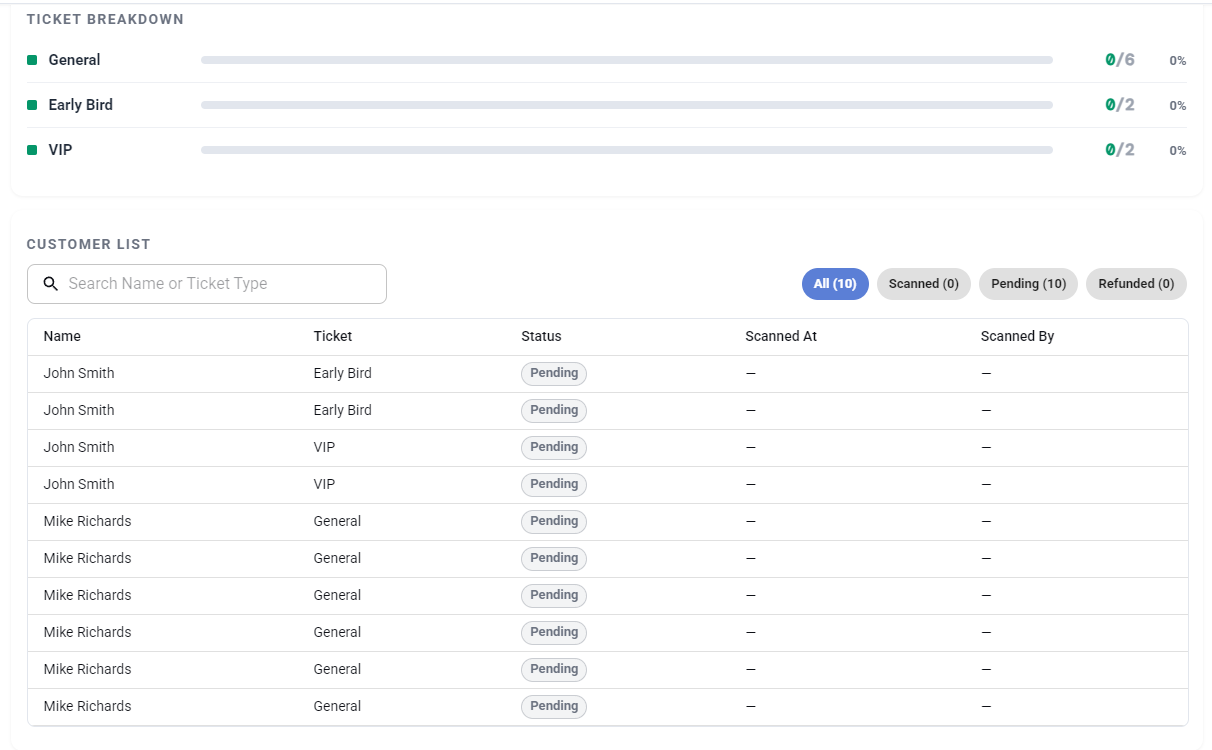
Tickets move around more than most organizers expect. They get bought, forwarded to a friend, transferred, and sometimes resold. On Nrby Events, sales are final but tickets can be sold or transferred so the system tracks the full chain of custody: the ticket's history from purchase to the door, with every scan saved as a record showing which ticket, which staffer's device, and what time.
If a code comes up as already scanned, you can see exactly when it was first accepted and who accepted it. The conversation stops being an argument about who's lying and becomes a simple fact the record settles.
Set up the scan point for speed
Scanning is fast when the environment cooperates. Being prepared can make the difference:
- Charge every device fully and keep a battery pack or power source at each scan point.
- Position scanners where there's decent light and with space next to each lane so a problem won't block the line.
- Ask attendees to turn brightness up and have tickets open before they reach the front.
- Run one scanner per lane and open another lane before the line needs it, not after.
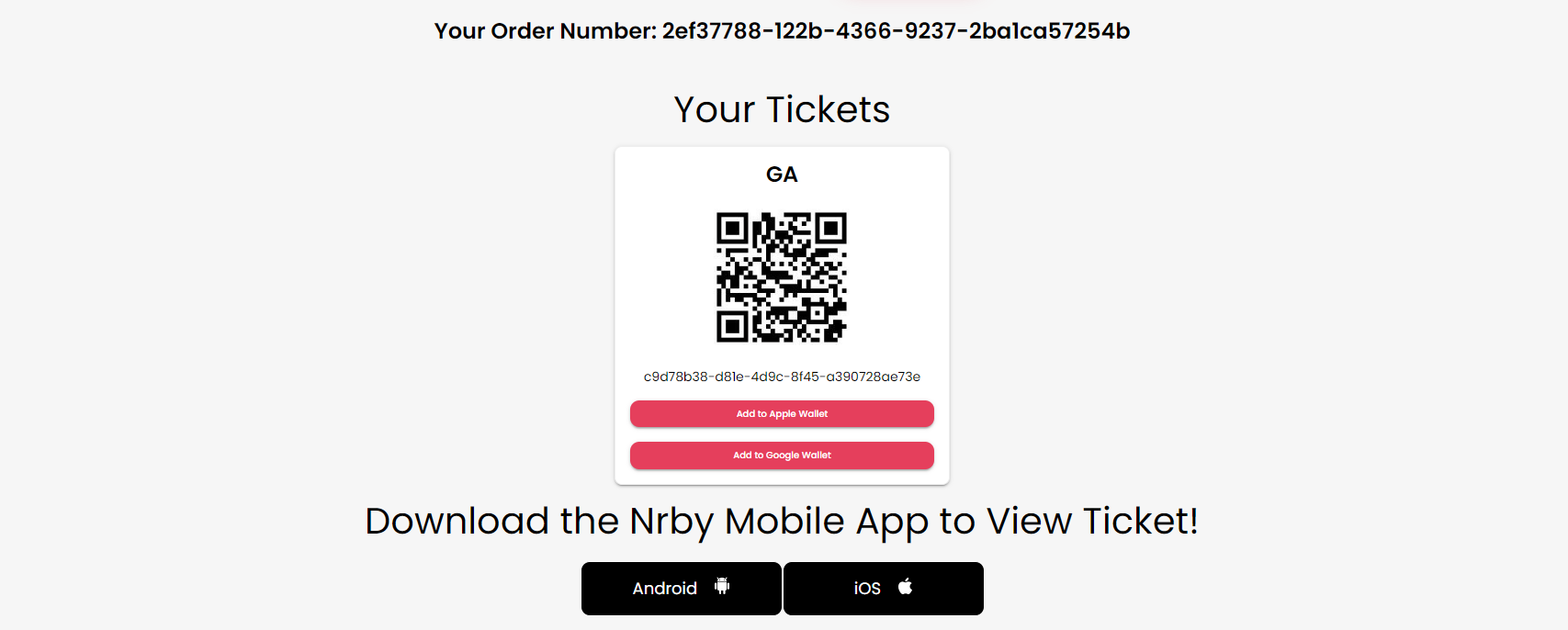
Attendees don't have to learn anything for this to work. Their ticket arrives the moment they buy, by email, in the Nrby app, and with one tap buttons for Apple and Google Wallet, so the fast lane is just people doing what they'd do anyway: pulling out a phone. If most of your crowd carries wallet tickets, the line moves at walking pace.
Run the same ladder on every failed scan
Scan failures are rare but treat them simply:
- Fix the obvious and rescan: brightness up and tilt the phone out of the glare.
- Missing ticket? Look the order up by name or email and resend the attendee their ticket instantly.
- Reads as already scanned? Check the record. The first valid scan entered; the duplicate gets a calm explanation without any blame.
- Anything messier? Have them step aside with the floater and the lane keeps moving.
The duplicate is the case scanning exists for. The holder of a resold screenshot didn't lose an argument with your staff, they lost to the record, and that keeps the exchange short and civil.
Quick checklist
- Every door phone charged and signed into Nrby Events with power source on standby.
- Good lighting at the scan point, with step aside space beside each lane.
- Greeter working the line: brightness up, tickets open.
- The four-step ladder agreed before doors open.
- One person named to make the final call on disputes.
If your event runs on Nrby, real-time QR scanning with full chain of custody is already included; the whole system gets a tour in Door View: your event night in real time. Set up your event, add your door staff, and the security half of this article is handled before doors open.
Interested in partnering? We can help!
Our team consults on your events — planning, ticket strategy, strategic partnerships, and best practices on running the event itself. Every new creator gets FREE personalized onboarding and help. Talk to a real person before you sell a single ticket.