
What To Do If An Event Goes Sideways: A Troubleshooting Guide
Something can go wrong on event night. That's not pessimism, it's planning: with enough people, devices, and moving parts, some piece will misbehave. The difference between a rough ten minutes and a ruined night is rarely the problem itself. It's whether you decided how to handle it before it happened.
There is a long list of potential problems. An attendee can't find their ticket at lane one, a guest at lane two insists she's on a list she isn't on, and the scanner phone at lane one just dropped to four percent battery. None of this is unusual; it's a fairly normal ten minutes. However with the right pre-decisions each case resolves in under a minute. Here's the step-by-step:
Common ticket issues
Most scan failures are simple fixes such as brightness turned down, a cracked screen, or an email blocking images. Here are some common fixes:
- Fix the obvious and try to rescan: screen brightness up and tilt the phone out of the glare.
- Look the order up by name or email and resend the ticket to the customer email on file with one touch.
- If the guest genuinely can't find their ticket in the email, have them enable images to display their QR code.
- Still stuck? They step aside with the floater and the lane keeps moving.
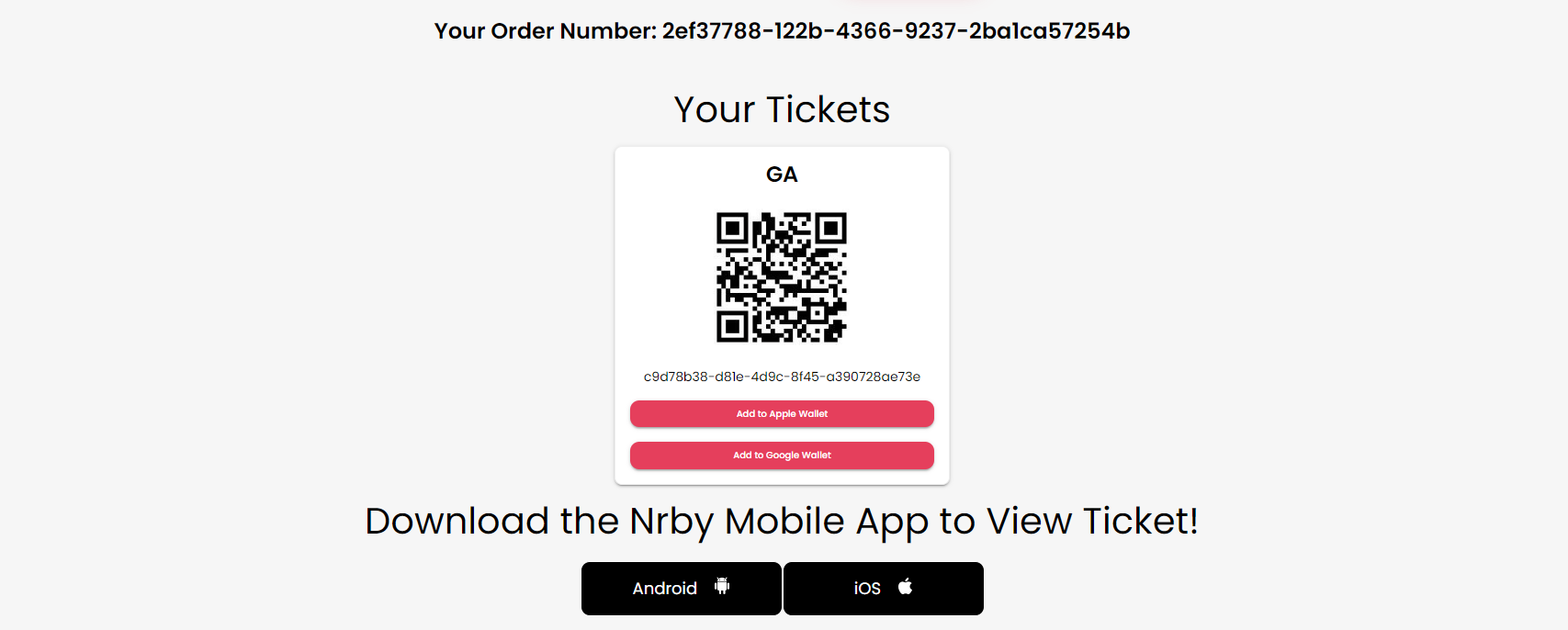
The "already scanned" message is its own case. On Nrby Events, every scan is saved with full chain of custody so the record shows exactly when a code was first accepted and by whom. Usually a duplicate copy is in play, a forwarded screenshot or a resold image. You will only have to let the record do the talking. The full setup lives in the QR ticket scanning guide.
Names that are off the guest list
Never resolve guest list disputes from memory. Here is the best sequence: search the live list, check ticket orders, then hand the case to the one person with authority to decide. Door staff should stay neutral and friendly, which keeps the interaction calm; the lead delivers the yes or the no.
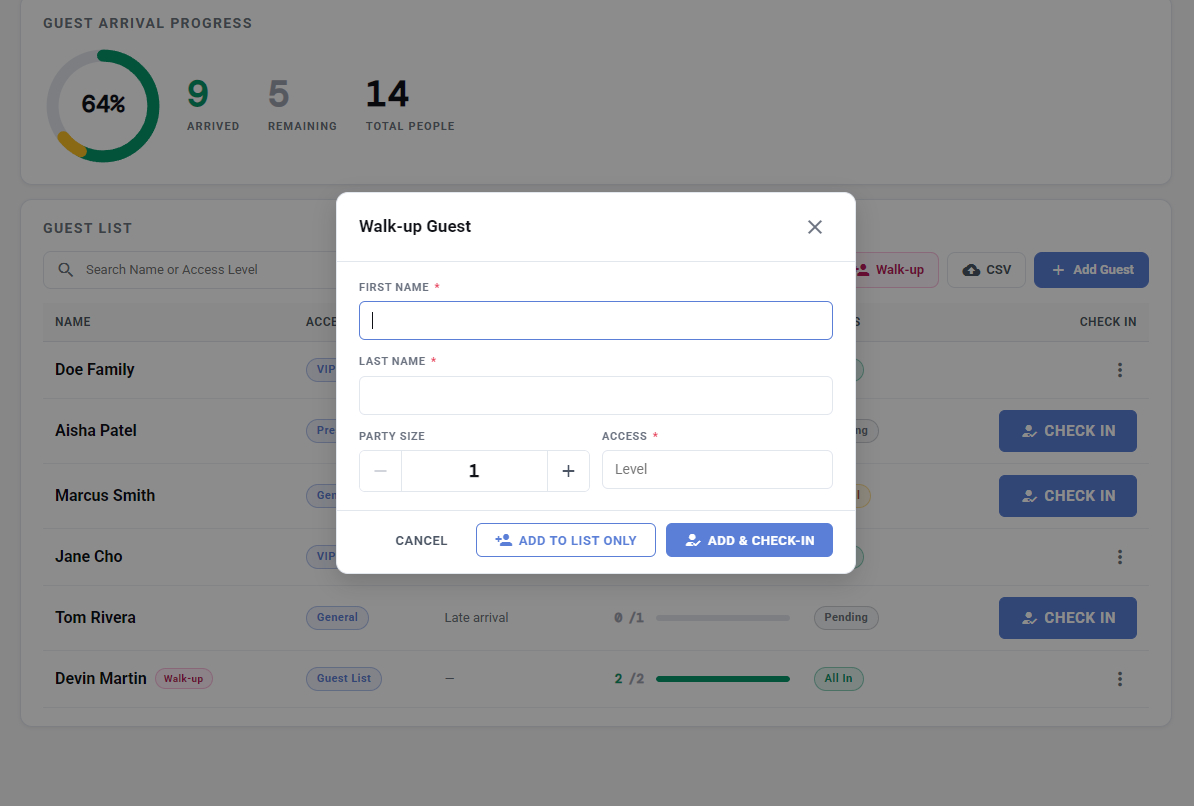
When a legitimate late addition surfaces, the artist's guest or a sponsor's +1, add them properly instead of waving them through. The walk-up guest list functionality takes a name, a party size, and an access level, and can check them in with the same tap, synced instantly to every door phone. Doing it right is faster than arguing about it.
Common technology fails and how to fix them
Phones and tablets can die at the worst moment, so make charging and power management someone's actual job. Keep batteries full at the door, a battery pack at every scan point, and one spare device charged and signed in. Because scanning runs from the cloud any staffer's device can be swapped; hand the lane the spare and plug the dead device in behind the table.
Learn where the venue's signal is weak before doors open; preparation prevents failures. Print off an event run sheet: key numbers, wifi details, set times, and any other important notices staff need to know. Remember that a dead phone never takes the plan down with it.
When the crowd arrives all at once
Surges during the course of your event are predictable based on the type of event you are hosting. When the line gets long try to open another lane and send a greeter to the back to get tickets up on screens early. Nrby Events' Door View has a live attendance count to tell you exactly how many people are inside, so capacity questions get hard numbers instead of guesses.
The attendee having a bad night
Wrong date, can't stay, wants a refund at the door. On Nrby Events, ticket sales are final, but tickets can be sold or transferred, which means they can pass the ticket to a friend instead of losing out. For anything beyond the door's authority, point them to support at support@nrbyevents.com, as Nrby Events will always help attendees with understanding.
Quick checklist
- The four step scan ladder agreed and known by every scanner.
- One person with authority over list disputes, who is known before doors open.
- Spare phone charger; battery packs or power at/near every entry point.
- One shared run sheet: numbers, wifi, set times, and important notices.
- Surge plan for needs at the door
Most of these problems shrink when the door is set up well in the first place, and that setup is the door playbook. If you want to talk through your event before the night arrives, get in touch; walking creators through setup is exactly what Nrby Events is here for.
Interested in partnering? We can help!
Our team consults on your events — planning, ticket strategy, strategic partnerships, and best practices on running the event itself. Every new creator gets FREE personalized onboarding and help. Talk to a real person before you sell a single ticket.